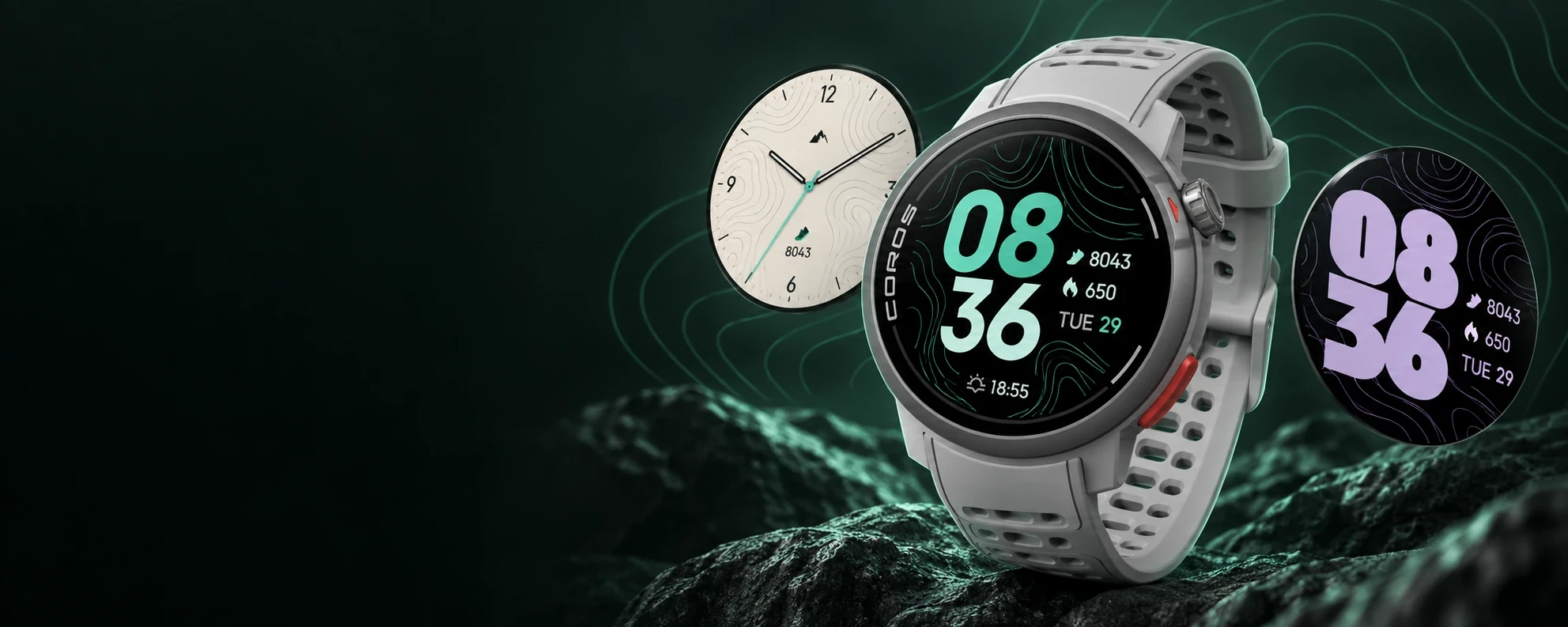
CorosLink includes a Watch Face Studio for designing your own COROS face and a community library with free, scanned designs ready to download. Change the background, digit font and colors, move every element, and preview it exactly as the watch renders it.
Watch face publishing is experimental. Design on desktop, then claim the face through the COROS app on iPhone.
COROS lets you customise faces from official templates. CorosLink builds on that: pick a source template for your watch model, then restyle it on a big screen. The Studio re-renders the bitmap digit sprites in any locally installed font and color, composites your own artwork and up to twelve image layers, and rewrites the layout for every resolution the template supports, including the always-on display.
If you would rather download than design, the CorosLink Faces library hosts community uploads for PACE, APEX, VERTIX and NOMAD watches. Every package is quarantined, virus-scanned and structure-checked before it is published, and each listing shows exactly which models it fits.
Watch Face Studio · Community libraryIllustration
Watch Face Studio
Browse COROS's official editable templates for your watch and start from any of them
Compose a background with colors, artwork and up to twelve PNG, JPEG or WebP layers
Re-render digit sprites in any installed font and color; style hours and minutes separately
Drag time, date, weekday, battery and metric fields into place across every resolution
Per-metric styling for heart rate, steps, calories and elevation
Live preview composited from the same sprites and layout the watch uses
Save projects and keep editing after a restart
Community library
watchfaces.coroslink.com is a free gallery of community watch faces. Filter by watch model or style, read reviews, save favourites, and download the package for your exact model. Creators can upload their own designs after a security scan and moderation pass.
Getting a face onto the watch
Custom faces reach a COROS watch through COROS's official share flow. CorosLink signs in to your COROS account, publishes the face as a custom template, and gives you a share link. Open it in the COROS app on your iPhone to claim and install the face. Library faces can also be opened directly in CorosLink for the same hand-off.
Experimental, and independent
Watch face publishing is an experimental feature that relies on COROS endpoints which may change. It is not affiliated with COROS. Only upload or install archives you are entitled to use.
Step by step
How to make a custom COROS watch face with CorosLink
1
Open Watch Faces in CorosLink
Install the free desktop app and open the Watch Faces section. Pick your watch model and browse COROS's editable source templates.
2
Design
Choose a template, then restyle it: change the background, import artwork, pick a digit font and color, and drag elements into place. The preview updates from the real sprite bitmaps.
3
Publish
Sign in with your COROS account and region. CorosLink validates the package and publishes it as a custom template with a time-limited share link.
4
Claim on your phone
Open the share link in the COROS app on your iPhone to claim the face and send it to your watch.
Can you make custom watch faces for a COROS watch?
Yes, from COROS's official editable templates. CorosLink's Watch Face Studio changes the background, digit font, colors and layout of a template and publishes the result through COROS's own share flow.
Where can I download COROS watch faces?
The CorosLink Faces library at watchfaces.coroslink.com hosts free community designs for PACE, APEX, VERTIX and NOMAD watches. Each face lists the exact models it supports.
Which COROS watches support custom faces?
Models with COROS's custom watch face feature, including the PACE 3, PACE Pro, PACE 4, APEX 2, APEX 2 Pro, APEX 4, VERTIX 2, VERTIX 2S and NOMAD. The library filters by model so you only see compatible designs.
Do I need an iPhone?
The final claim step uses the COROS app's official share page, which currently works on iPhone. Designing and publishing happens on your Mac, Windows or Linux computer.
Are library downloads safe?
Every upload is quarantined, scanned with ClamAV, checked against the COROS package structure, and reviewed before publication. Downloads are served from a private store through short-lived links.